Prior auth shouldn't be a full-time job.
Manual prior authorization is a phone-and-fax process that costs 20+ minutes per request, delays care starts, and generates denials when documentation doesn't line up. Lisa AI rewrites the process entirely — triggering requests automatically, monitoring payer policy changes, and delivering first-pass approvals at a rate your team can't match manually.
Auth fires while the clinician is still at bedside.
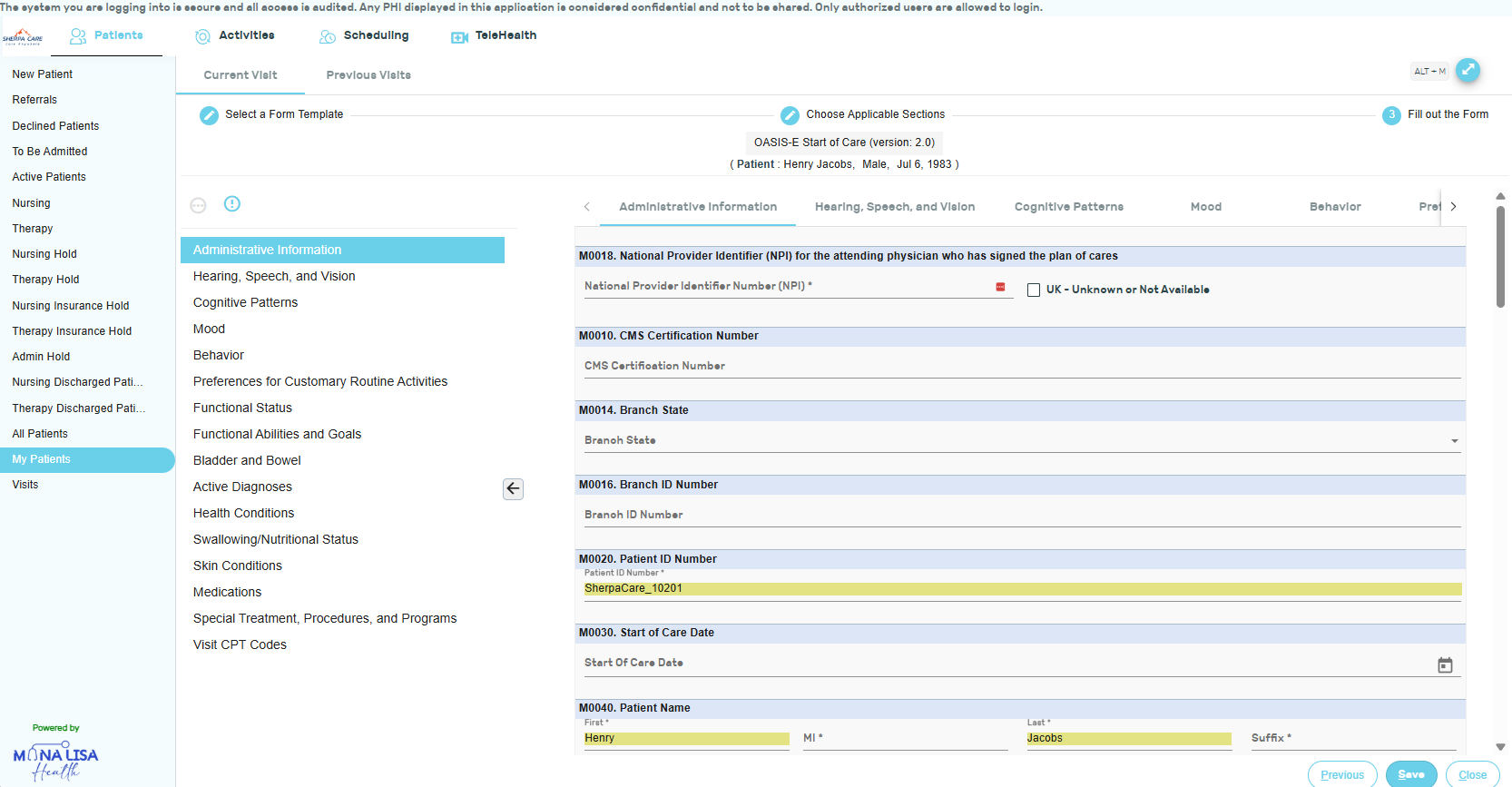
Lisa AI initiates prior authorization requests automatically using the clinical data it already captured during the visit. No manual queues. No fax. The request goes out before the clinician leaves the patient's home — using live visit data with zero re-entry. Approvals arrive faster, denials drop, and your staff stops chasing paperwork they shouldn't be doing.
- Auth requests triggered automatically at point of care
- Uses live visit data — no duplicate data entry
- Lisa surfaces relevant data and flags inconsistencies before submission
- Fully touchless for standard authorization scenarios
Lisa knows what each payer actually requires.
Mona Lisa's machine learning continuously monitors payer policies to identify additions and changes to authorization guidelines — the kind that traditionally delay the process. Lisa pre-populates required clinical documents based on what's needed for first-pass approval for each specific payer, not a generic template.
- ML-informed guidance on what documentation each payer requires
- Continuous payer policy monitoring for guideline changes
- Authorization data integrated directly into scheduling
- Payer-specific documentation templates generated automatically

Authorization status flows into the schedule automatically.
Authorization data links directly to the scheduling system. Visits outside auth windows are flagged before they're booked. When auth is approved, the visit window opens. When it's expiring, the renewal workflow triggers. Auth and scheduling talk to each other — no manual hand-off required.
- Auth status visible in the scheduling interface
- Visits outside auth windows flagged before booking
- Renewal workflows trigger automatically before expiration
- Full auth history linked to every patient record

Every detail, handled.
The features that make documentation not just faster, but actually complete.
EHR Embed
Sherpa Care's prior auth module can embed into external EHR workflows via API — supporting integration with all major EHR vendors so health system partners don't have to leave their primary system.
Insurance Eligibility Verification
Lisa checks insurance eligibility automatically before visits are scheduled, so auth requests only go to active, eligible payers — eliminating a major source of first-pass denials.
Administrative Task Automation
Lisa handles the administrative throughput: insurance checks, follow-up reminders, and status tracking — so your staff focuses on exceptions, not routine auth management.
Multilingual Support
Prior auth documentation can be generated from multilingual clinical interactions. Lisa handles translation and produces English-language documentation regardless of the language spoken in the visit.
Denial Root Cause Analysis
When a denial occurs, Lisa identifies the documentation gap or payer rule conflict that caused it — informing both the appeal and improving future submission accuracy.
Audit Trail
Every authorization request, approval, denial, and resubmission is logged with full documentation linkage — providing a complete audit trail if a payer audit is triggered.
Ready to see it in your workflow?
A 15-minute demo is enough to understand what changes. No slides — your use case, your questions, your workflow.